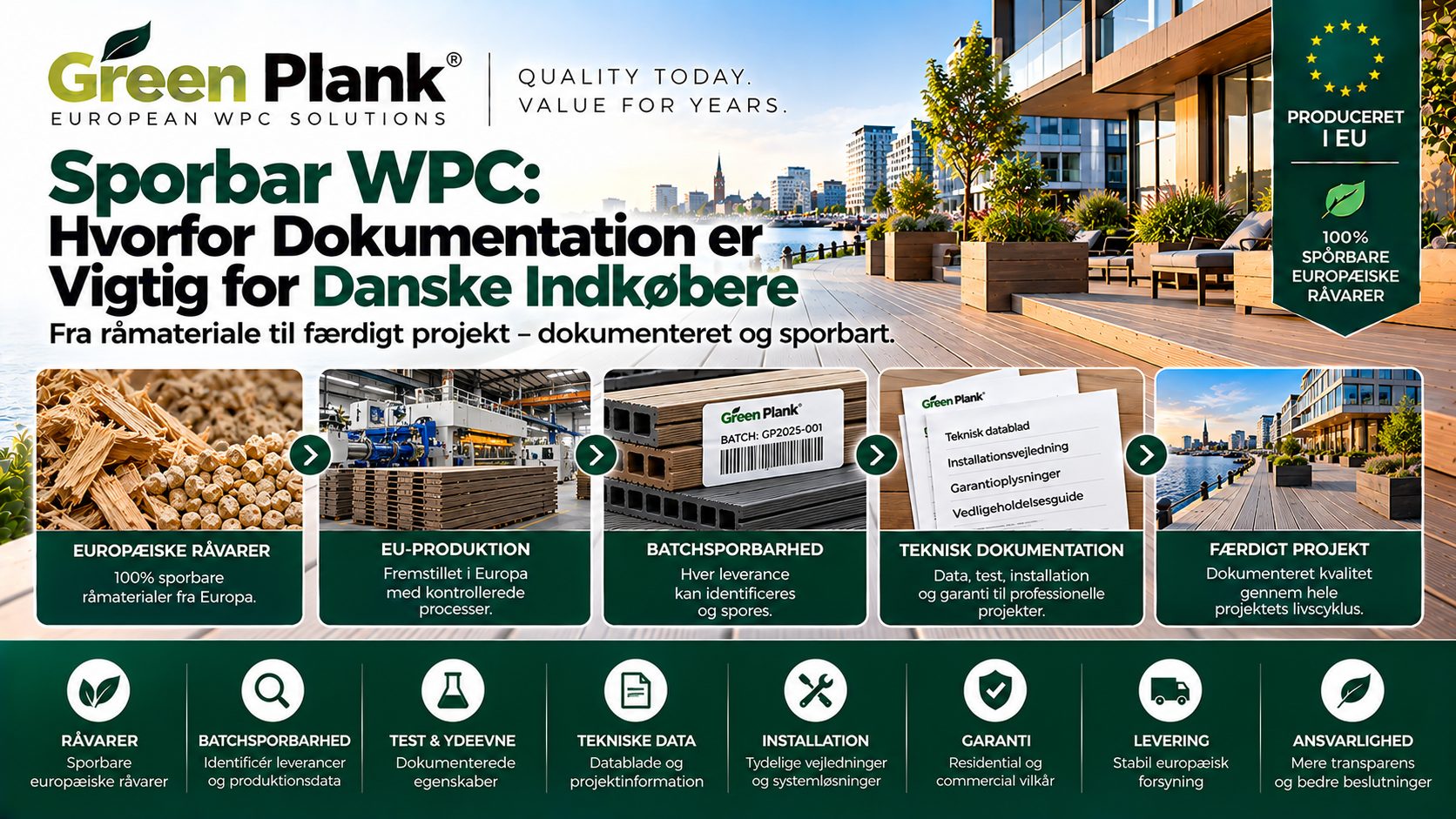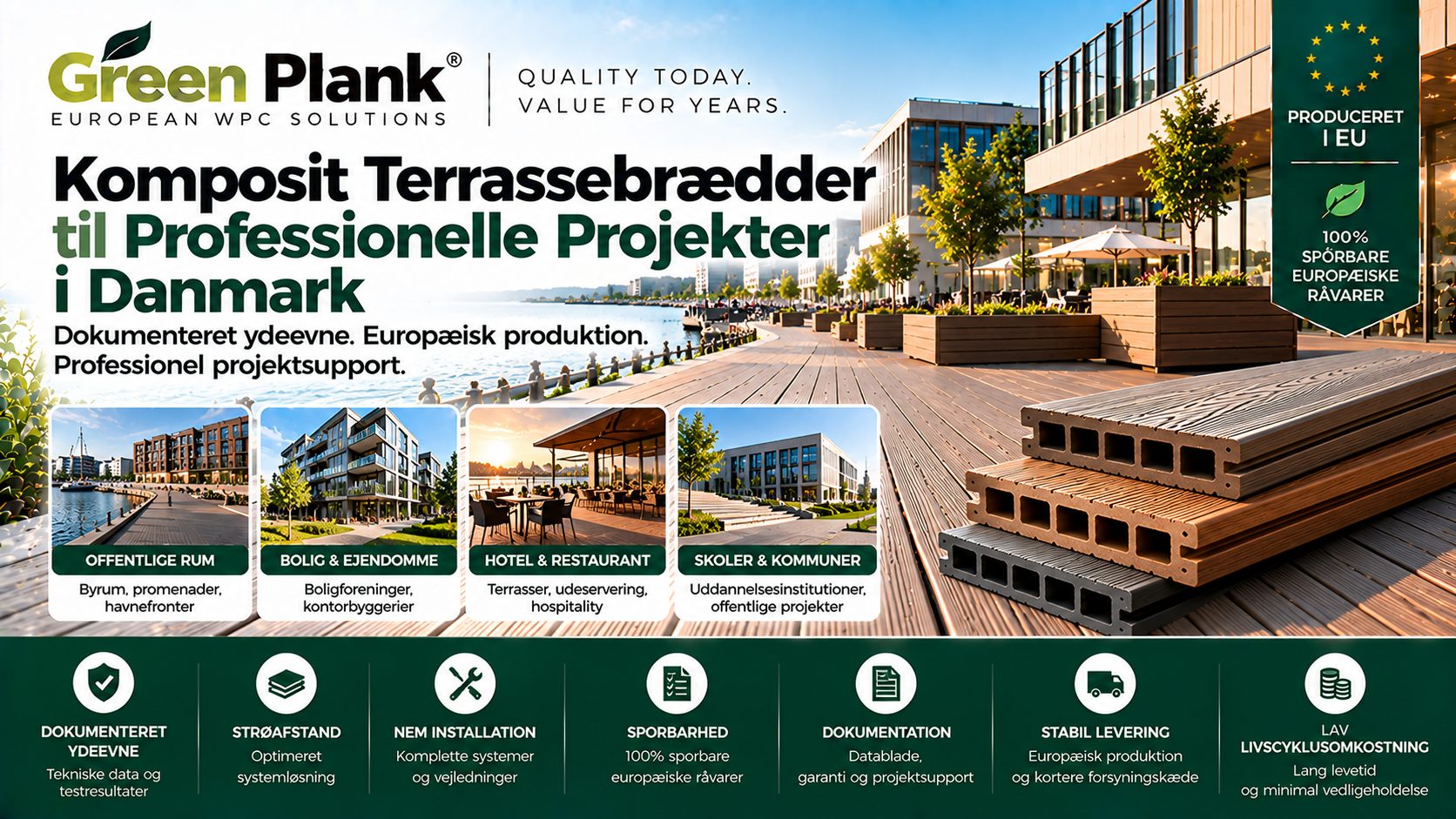




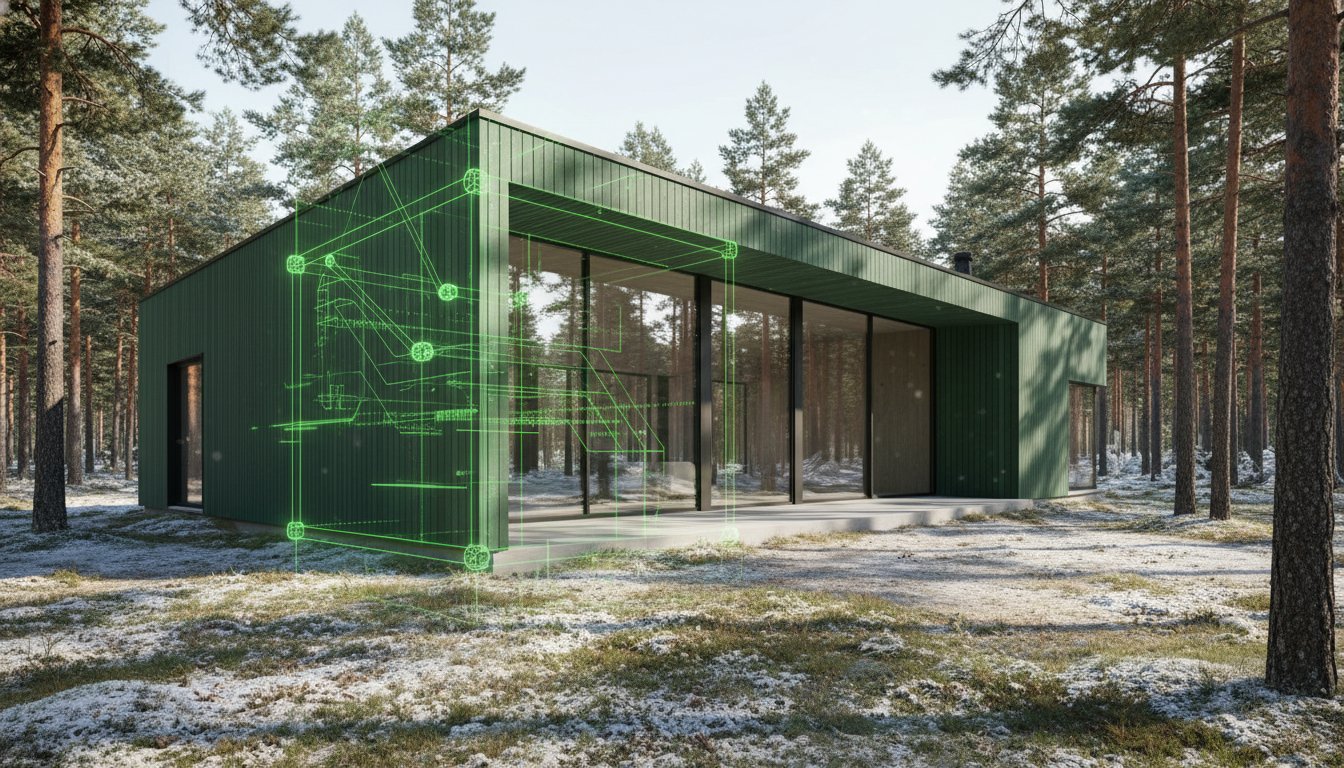
What if your BIM model could quantify more than just geometry, providing the exact carbon footprint of every facade panel before a single board is installed? With the April 2026 release of Revit 2027 and the mandatory life cycle assessments required by LEED v5, a simple texture is no longer enough for professional specifiers. You've likely experienced the frustration of inaccurate material rendering or missing thermal data during energy analysis. Integrating a specialized wpc material library for revit ensures your project data is as reliable as the materials themselves.
We believe that technical precision should match environmental responsibility. This guide empowers you to master the integration of high-performance composites into your digital workflow. You'll learn how to utilize accurate metadata for BREEAM certification and create photorealistic visualizations that reflect a refined Nordic character. We'll explore how European-made assets, built to last and designed for life, provide the circularity and low-maintenance performance your clients expect in the Swedish market. It's time to bridge the gap between sustainable design intent and engineered reality.
Key Takeaways
- Transition from generic placeholders to a high-fidelity wpc material library for revit that meets the rigorous technical demands of Revit 2027.
- Understand how accurate physical metadata, including 75% hardwood fiber content, enables precise life cycle assessments for LEED v5 and BREEAM certification.
- Master the application of high-resolution PBR textures to deliver photorealistic visualizations of composite wall cladding while avoiding common rendering artifacts.
- Learn the step-by-step process for importing manufacturer-specific .adsklib files to synchronize project cost estimation with traceable European raw materials.
- Gain engineering confidence by specifying professional-grade systems like Terra Tuff that offer a service life of up to 50 years for Swedish infrastructure.
Table of Contents
- The Importance of WPC Material Libraries in Modern Revit Workflows
- Essential Components of a High-Quality WPC Revit Material Library
- Generic vs. Manufacturer-Specific Revit Libraries: Why Metadata Matters
- Implementation Guide: Integrating and Rendering Sustainable WPC in Revit
- Specifying Green Plank: Sustainable WPC Solutions for BIM Projects
The Importance of WPC Material Libraries in Modern Revit Workflows
A professional wpc material library for revit is far more than a digital swatch; it is a comprehensive dataset containing geometric, visual, and physical properties. In the Swedish construction sector, architects are increasingly replacing generic timber with Wood-plastic composites (WPCs) because these materials offer superior longevity without the intensive maintenance of natural wood. This digital transition mirrors the physical shift toward circularity. By utilizing high-fidelity BIM assets, specifiers can perform precise material take-offs that reduce site waste by an estimated 15% compared to manual estimation. This precision is vital for large-scale infrastructure projects where material efficiency directly impacts the total project budget and environmental compliance.
Visual vs. Technical Data in BIM
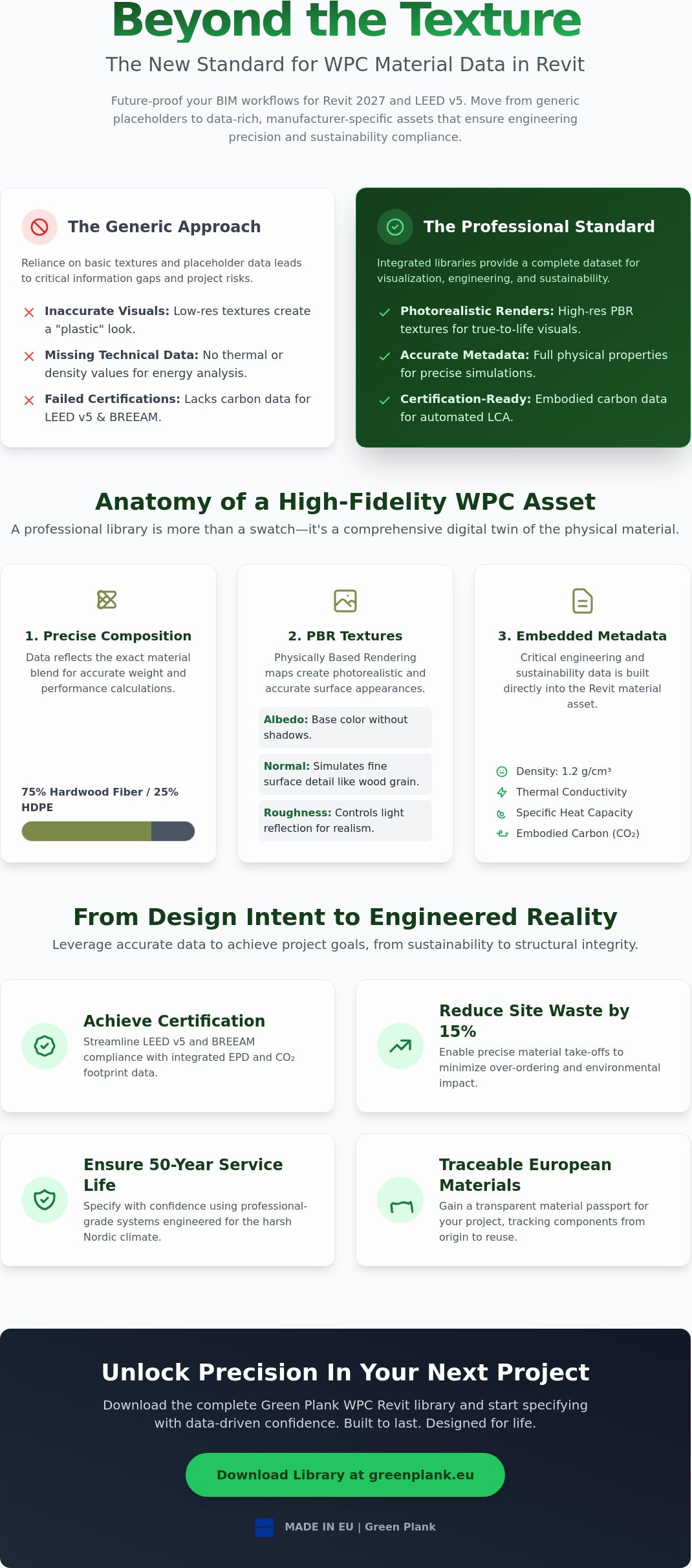
Pretty pictures don't build projects. While a generic "composite" material might look acceptable in a 3D view, it lacks the critical thermal conductivity and density data required for accurate energy modeling. Professional-grade libraries embed these technical parameters directly into the asset. This data streamlines the procurement process for contractors because they receive exact specifications that match the physical performance of the product. It bridges the gap between the architect's vision and the engineer's requirements. When you use a manufacturer-specific wpc material library for revit, you ensure that the density of 1.2 g/cm³ and specific heat capacity are correctly accounted for in your building's performance simulation.
Sustainability Parameters in Revit
With the launch of LEED v5 in April 2025, quantifying embodied carbon is now a mandatory prerequisite for certification. A robust digital library allows you to integrate CO2 footprint data directly into your material schedules. This level of transparency is essential for architects aiming for BREEAM certification or following Swedish environmental regulations regarding climate declarations. By selecting sustainable building materials that are linked to verified Environmental Product Declarations (EPDs), you ensure your BIM model serves as a "material passport." It tracks the circular journey of the components from 100% traceable raw materials to their future reuse. Built to last. Designed for life.
Essential Components of a High-Quality WPC Revit Material Library
A premium wpc material library for revit must transcend simple aesthetics to provide real value in a BIM environment. While generic libraries often provide low-resolution textures that look synthetic, a professional-grade asset is engineered with a specific ratio of 75% hardwood fiber and 25% high-density polyethylene (HDPE). This precise composition isn't just a technical detail; it determines the material's weight, its response to moisture, and its long-term stability in the harsh Nordic climate. High-quality digital assets ensure that these physical characteristics are embedded within the material's identity, allowing for automated performance checks during the design phase.
PBR Textures for Scandinavian Aesthetics
To capture the refined Nordic character, high-quality Revit assets utilize Physically Based Rendering (PBR) workflows. This involves three critical maps that work in unison to create depth. Albedo defines the base color without baked-in shadows. Normal maps simulate the deep, natural fiber grain of European-made boards. Roughness maps control how light reflects off the surface. These maps prevent the unnatural "plastic" sheen often found in lower-quality downloads. For large commercial projects, these textures are scanned from actual production boards at high resolutions to eliminate visible tiling patterns. This ensures your client presentations look authentic and professional, reflecting the true beauty of natural-fiber composites.
Technical Parameters for Engineering Precision
Engineering a deck or facade requires more than just visual placement; it requires data-driven confidence. Accurate metadata allows for structural safety simulations by defining the modulus of elasticity and density. One critical parameter often overlooked is the thermal expansion coefficient. In the fluctuating Swedish climate, knowing exactly how much a board expands is vital for designing proper expansion gaps within Revit. For instance, specifying a coefficient of 0.04 mm/m/°C allows the software to calculate precise tolerances for seasonal temperature shifts.
Integrating slip resistance ratings like R11 or R12 directly into the parameters ensures public infrastructure designs meet safety regulations automatically. Research into BIM and sustainable design highlights how these embedded data points reduce errors during the technical specification phase. Beyond the physical, the "I" in BIM should include lifecycle data. This includes pre-configured hatch patterns for 2D elevations, detailed maintenance requirements, and the 50-year warranty information. It allows for more accurate lifecycle cost analysis and project scheduling. You can explore our full range of professional-grade WPC solutions to see how these parameters are implemented in real-world Scandinavian projects. Built to last. Designed for life.
Generic vs. Manufacturer-Specific Revit Libraries: Why Metadata Matters
Relying on generic "composite" assets for cost estimation leads to significant discrepancies during the construction phase. These placeholders don't have the specific density or moisture-absorption rates of engineered products. When you specify a manufacturer-specific wpc material library for revit, you integrate 100% EU raw materials into your model. This ensures the digital twin accurately reflects the physical performance of the finished structure. It's a method that reduces the risk of specification errors that often occur when using unverified global supply chains. Built to last. Designed for life.
For specifiers in Scandinavia, opting for high-quality European-engineered WPC, such as those offered by Green Plank, consistently delivers superior BIM data. This type of WPC is specifically engineered to withstand the thermal fluctuations common in the Swedish climate. Its corresponding digital assets accurately reflect this localized engineering, thereby providing more reliable data for local tenders and ensuring that the material's expansion and contraction rates are precisely modeled for regional temperature shifts.
Traceability and Compliance in BIM
Professional BIM workflows require verifiable sustainability data. By embedding FSC or PEFC certifications directly into the Revit material identity tab, you create a transparent "material passport." This supports Cradle to Cradle ownership, allowing for the circular management of building components long after the initial construction. It ensures your design complies with Swedish building codes through certified digital parameters that generic libraries simply cannot provide. This level of traceability is essential for projects seeking high-level environmental ratings where every gram of material must be accounted for.
Accuracy in Material Take-offs (QTO)
Precision in Revit leads to efficiency on site. Manufacturer-specific libraries allow for the calculation of exact clip and fastener counts using integrated HidLoc™ Hidden Fastening Systems. This level of detail has been shown to reduce onsite material waste by 15% through more precise ordering and inventory management. Additionally, distinguishing between low-density and high-density composites within the model allows for more accurate performance simulations. High-density profiles provide the stability required for commercial infrastructure, while low-density options may be better suited for specific residential applications. Accurate BIM data ensures the right product is used in the right place every time.
Implementation Guide: Integrating and Rendering Sustainable WPC in Revit
Successful integration begins with the Asset Browser. To import a professional wpc material library for revit, open the Material Browser and select 'Open Existing Library' to load your .adsklib file. This simple step connects your project to high-fidelity textures and engineered data. When applying these materials to composite wall cladding, ensure the texture alignment matches the vertical grain of the physical boards. This attention to detail prevents visual errors in facade elevations. To maintain model performance, use high-resolution textures only for hero views; utilize Revit's 'Appearance' tab to manage global rendering settings without bloating the file size.
Automating sustainability reporting is a key benefit of manufacturer-specific libraries. By configuring Revit schedules to extract 'Global Warming Potential' or 'Recycled Content' parameters, you can generate real-time data for BREEAM or LEED v5 documentation. This turns your BIM model into a living record of environmental responsibility. It ensures your specifications are traceable and compliant with Swedish environmental regulations from the earliest design stages.
Creating Custom WPC Materials
Standard wood materials in Revit don't possess the density or reflectance of high-performance composites. When creating custom materials, start by duplicating a hardwood preset and adjusting the physical properties to reflect the 75% hardwood fiber and 25% HDPE composition. For premium lines like Terra Tuff, refine the 'glossiness' settings to capture that matte, natural-fiber finish. Setting up specific cut patterns is equally important for technical accuracy. This ensures your professional deck installation guide drawings show the correct board spacing and HidLoc™ clip placement in every section view.
Rendering for Client Approval
Visualizing the refined Nordic character requires optimizing light interaction. Whether using Enscape or V-Ray, ensure that normal maps are set to the correct strength to emphasize the board's texture under Scandinavian daylight. Unlike traditional wood that fades inconsistently, professional-grade WPC maintains its aesthetic integrity. Use Revit's phasing tools to simulate the subtle weathering process over its 50-year service life. This demonstrates the long-term value of the investment to your clients. It proves the material is built to last. Designed for life.
Ready to enhance your next project with high-performance digital assets? Explore our full range of BIM-ready WPC profiles to download the assets you need for your next sustainable project.
Specifying Green Plank: Sustainable WPC Solutions for BIM Projects
Green Plank provides a specialized wpc material library for revit that translates physical durability into digital precision. Our core product lines, including Terra Tuff and Smart System, are engineered for the rigorous demands of professional specifications. By utilizing 100% EU raw materials, we ensure that every board modeled in your project meets the highest European standards for traceability and environmental ethics. This commitment to quality allows specifiers to secure tenders that prioritize low-carbon, circular construction. It's a strategic advantage in the Swedish market where climate declarations are increasingly scrutinized. Designed in Scandinavia. Produced in Europe.
The inclusion of our 50-year warranty data within the BIM asset adds significant value to the 'As-Built' model. It provides facility managers with long-term maintenance expectations and engineering confidence. This data-rich approach ensures the building's digital twin remains accurate for decades, serving as a reliable material passport for future reuse. When your model contains precise data on the 75% hardwood fiber and 25% HDPE composition, it simplifies the transition from construction to long-term asset management. Accurate data leads to better decisions. Better decisions lead to better buildings.
Engineered for Professional Use
Terra Tuff is the definitive choice when specifying for high-traffic public zones or commercial infrastructure. Its high-density composition provides the stability required for heavy footfall; this ensures public spaces remain safe and beautiful for a generation. For projects requiring a minimalist aesthetic, the Smart System offers hidden fastening and clean lines. Integrating the HidLoc™ hidden fastening system into your Revit detailing eliminates visual clutter. It allows the natural-fiber character to take center stage without visible screws. These systems are designed to work together, providing a seamless workflow from 3D modeling to onsite assembly.
Support for Architects and Specifiers
We understand that complex commercial infrastructure often requires unique solutions. Architects can request custom BIM assets tailored to specific project geometries or technical requirements. Our team provides direct support for technical data validation within Revit to ensure your energy and structural simulations are accurate. By choosing European-engineered WPC, you reduce the project-wide CO2 footprint compared to unverified global alternatives. It's a choice that respects both the architectural vision and the planet. Our professional-grade materials don't just meet standards; they set them. Built to last. Designed for life.
Advancing the Future of Circular Construction
The shift toward circular construction requires more than just high-quality materials; it demands a data-rich digital workflow. By integrating a professional wpc material library for revit, you ensure that every facade panel and deck board in your model carries the engineering precision necessary for LEED v5 compliance. You've learned how manufacturer-specific metadata eliminates the risks associated with unverified supply chains while providing the photorealistic textures needed for high-end client presentations. This level of detail is essential for the Swedish market's rigorous climate declaration standards.
Specifying Green Plank means choosing a Cradle to Cradle ownership model and 100% EU raw materials. These digital assets provide up to 50-year warranty data, ensuring your project remains a reliable asset from the initial render to the final building handover. It's about bridging the gap between Scandinavian design sensibility and technical durability. It ensures your vision is grounded in reality. Download Green Plank’s Professional WPC Technical Data Sheets to synchronize your Revit projects with the highest standards of European engineering. We're ready to support your next project with the reliability your clients expect. Built to last. Designed for life.
Frequently Asked Questions
Where can I download a WPC material library for Revit?
You can download a professional wpc material library for revit directly from the Green Plank technical portal. These libraries are provided as .adsklib files, which allow for immediate integration into your Revit 2027 projects. By using manufacturer-specific libraries instead of generic downloads, you ensure that every board contains the exact 75% hardwood fiber and 25% HDPE composition required for accurate technical specifications in the Swedish market.
How do I add thermal conductivity data to a Revit WPC material?
To add thermal conductivity data, navigate to the 'Physical' tab within the Revit Material Browser. Professional-grade composites typically feature a thermal conductivity value of approximately 0.20 W/mK. Entering this data enables the software to perform accurate energy simulations. This precision is vital for meeting the latest building regulations in Sweden, where energy efficiency and thermal performance are critical components of the structural climate declaration.
What is the difference between generic wood and WPC in Revit renderings?
Generic wood materials in Revit often lack the specific reflectance and surface roughness of engineered composites. High-quality WPC assets use Physically Based Rendering (PBR) maps, including Albedo and Normal maps, to simulate the matte finish of natural-fiber composites. This prevents the synthetic "plastic" look common in lower-quality renderings. It ensures your client visualizations reflect the refined Nordic character and aesthetic integrity of the physical product.
Can I use Revit to calculate the CO2 footprint of my WPC decking?
You can calculate the CO2 footprint by embedding Environmental Product Declaration (EPD) data into your material schedules. By mapping the Global Warming Potential (GWP) per square meter to your WPC assets, Revit automatically tallies the total embodied carbon for the project. This feature is indispensable for achieving LEED v5 prerequisites. It provides a transparent view of the environmental impact of using 100% European raw materials in your design.
How do I prevent WPC textures from looking repetitive in large Revit models?
Preventing repetitive tiling requires the use of high-resolution, large-scale texture scans in your wpc material library for revit. You can also use the 'Texture Editor' to apply subtle offsets or rotations to different instances of the material. This technique mimics the natural variation found in our European-made boards. It ensures that expansive commercial decks or long vertical facades maintain a unique, organic appearance without visible patterns.
Are Green Plank Revit assets compatible with older versions of the software?
Green Plank digital assets are optimized for the latest Revit 2027 release but remain compatible with versions dating back to Revit 2021. While older versions may not support every advanced PBR feature, the core metadata and physical properties remain intact. We recommend using the most recent software version to fully utilize the sustainability parameters and thermal data required for modern Swedish construction tenders and circularity assessments.
What parameters should I look for in a professional WPC BIM object?
Look for specific engineering parameters such as density (1.2 g/cm³), the modulus of elasticity, and the thermal expansion coefficient. A professional BIM object should also include a direct link to the product's EPD and warranty information. These details allow for structural safety simulations and lifecycle cost analysis. It moves the model from a simple 3D representation to a sophisticated technical data hub that supports informed decision-making.
How does WPC material specification affect BREEAM ratings in Revit?
Specifying WPC with embedded LCA data directly contributes to BREEAM 'Mat 01' credits for Life Cycle Impacts. Revit material schedules can automatically extract the necessary data from professional WPC assets to verify the material's circularity and low-maintenance profile. Using traceable, 100% EU-made materials helps you secure higher ratings by proving the project's commitment to sustainable sourcing and long-term durability in the built environment.
Specifikér produktet
Brug denne guide i en Green Plank-specifikation
Tekniske WPC-artikler skal understøtte de kommercielle sider — ikke konkurrere med dem. Fortsæt til kompositterrasse, TerraTuff, Nordeka eller de tekniske downloads.